Installation
Pre-requisites
A virtual machine where you want to install and run the modules
Slack incoming webhook url for the channel you wanna get the alerts on
How to install
Let’s follow through the steps given below
1. Create a VM or use the existing one if you already have. Make sure HTTP port (80) is exposed. Note: Commands have been written assuming you’re using an ubuntu OS. If you’re on some other OS, update the commands accordingly.
Login as superuser (root)
Update the ubuntu packages
apt update
Install Redis
apt install redis-server
5. Change Redis password (Edit /etc/redis/redis.conf, change
requirepass ) and restart Redis server
systemctl restart redis
6. Create Redis stream and a consumer group for that stream using redis-cli
xadd jobstream * foo bar
xgroup CREATE jobstream jobstream-group $
Install the required packages by running the below commands
apt install unzip
apt install openjdk-8-jdk -y
apt install python3-pip -y
8. Create a directory named yesfoss under /usr/lib and switch to
that. We’ll install the modules here
MKDIR /usr/lib/yesfoss
CD /usr/lib/yesfoss
9. Download the installable package of imAlert prepared by Yesfoss. Refer to this link to know details of this package. The package can either be downloaded using this link or by running the following command
wget https://yesfoss.s3.amazonaws.com/imalert-exec.zip
or
wget https://www.yesfoss.org/wp-content/uploads/2021/11/imalert-exec.zip
FYI : You can also build the executables yourself by cloning/downloading the github repository of imAlert.
Unzip the files
unzip imalert-exec.zip
Install the dependencies for imalert-ui
pip3 -r imalert-ui/requirements.txt
Set the above configured Redis details as environment variables
export central_redis_host=localhost
export central_redis_port=6379
export central_redis_auth=redis@123@Azure
13. Edit imcontroller.properties and imworker.properties and set the properties accordingly. Refer to this link to see the explanation of properties. Also, you can edit log4j2-controller.xml and log4j2-worker.xml as per your environment.
Start the controller, worker and UI server.
java -Dlog4j.configurationFile=log4j2-controller.xml -jar imcontroller.jar imcontroller.properties &

java -Dlog4j.configurationFile=log4j2-worker.xml -jar imworker.jar imworker.properties &

python3 imalert-ui/manage.py runserver 0.0.0.0:80 &
Note: We’re running the modules as daemon. It’s always better to have a service file with some failover strategy like Restart=always/on-failure
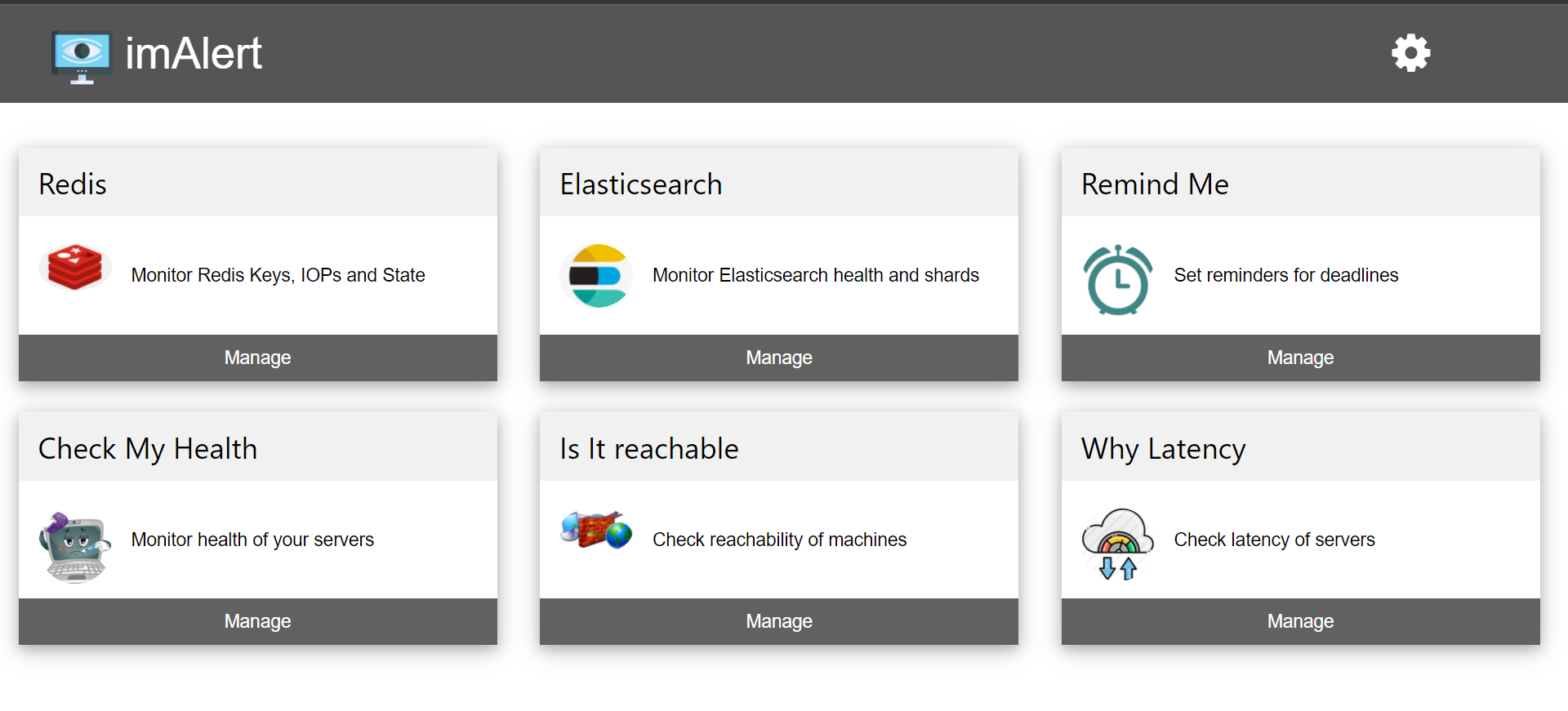
And that’s all! You have successfully installed imAlert. You should now be able to use it through http://<your-machine-ip>
FYI: All the components can be installed on the same or the different machines provided Central Redis is reachable to them. Also, N number of worker modules can be run to distribute the load as and when required. While starting a new worker, make sure to use the same consumer-group and a different consumer name.